Services
UX designUI design
Year
2025
Client
Capcon Networks
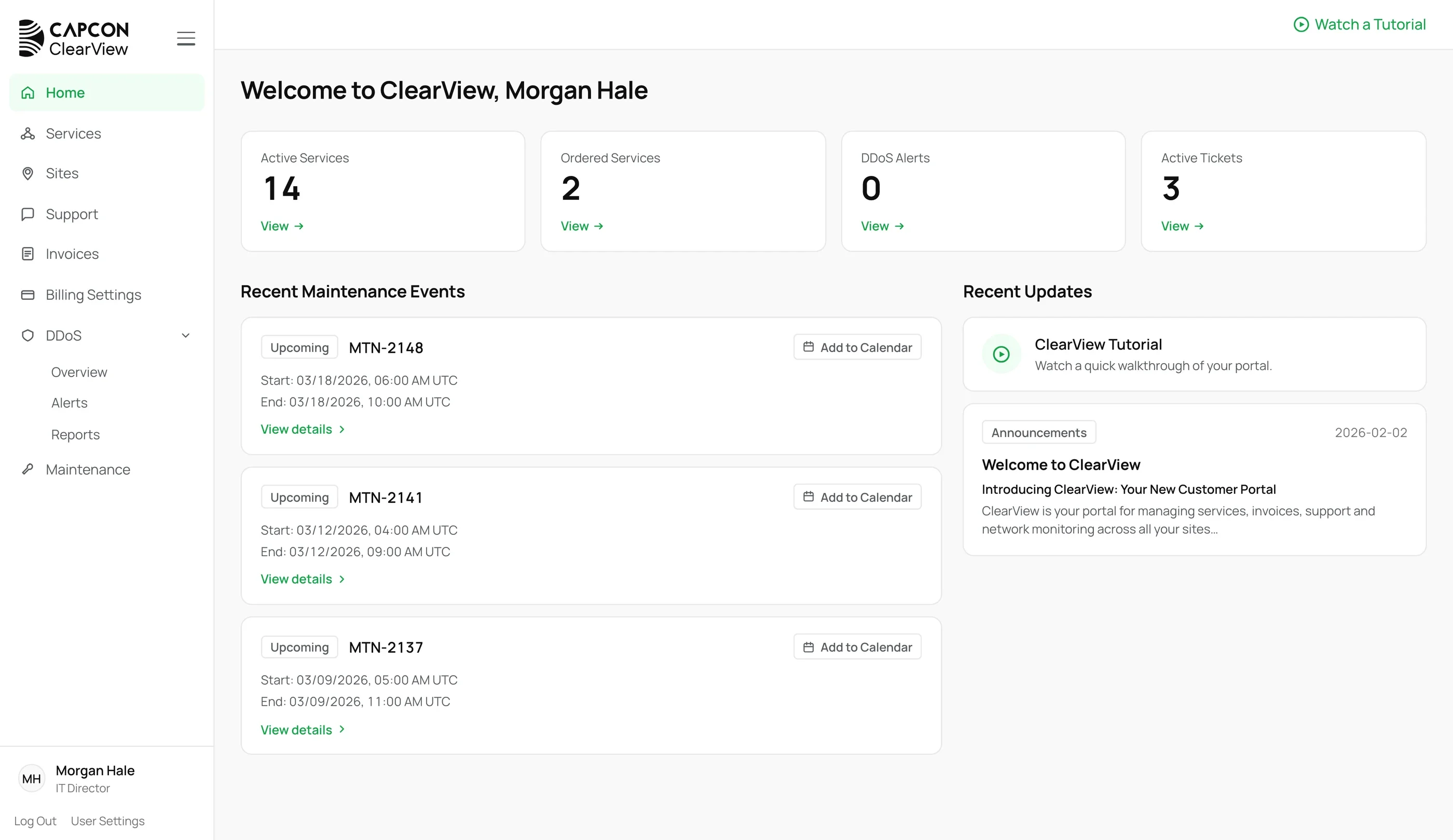
The ClearView home screen: the navigation, a welcome line, four counters for active services, ordered services, DDoS alerts and active tickets, recent maintenance events and recent updates
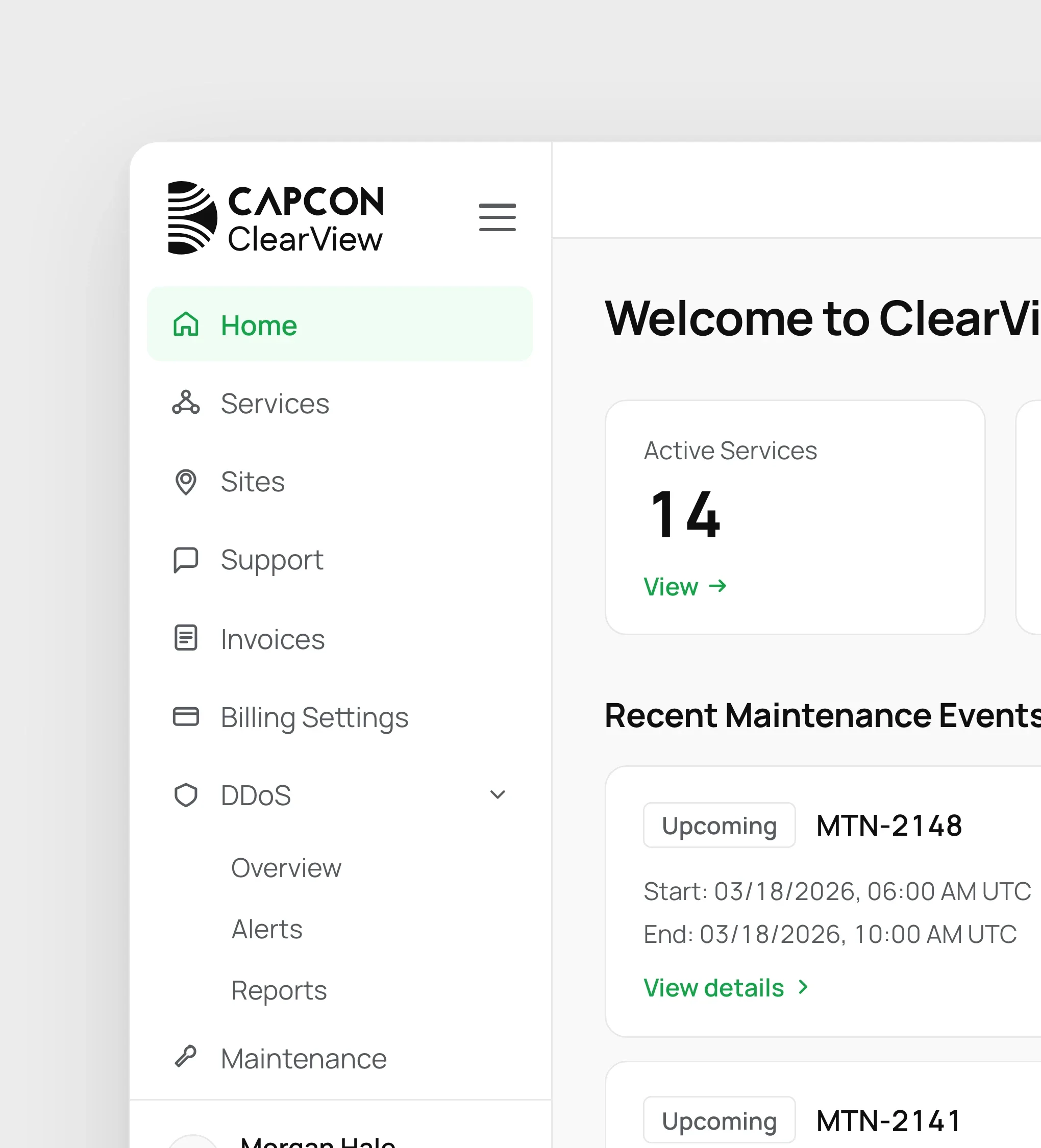
The CAPCON ClearView logo and the navigation, close up: Home, Services, Sites, Support, Invoices, Billing Settings, DDoS and Maintenance
  • #005307
  • #22C55E
  • #F0FDF4
  • #0F0F0F
  • #585B60
  • #737373
  • #FFFFFF
  • #F9F9F9
  • #E8E8E8

Approach

Capcon's clients buy and run internet services that are technical by nature. ClearView is the portal where they see those services, check whether each one is online, and manage them: their sites, DDoS protection, contracts and invoices.

I designed the UX and the interface, working through the system with Capcon task by task: ordering, tracking a new site, raising a ticket, changing a service. For each one we decided what a customer needs to see, when, and what they can do next, so a complicated job takes a few clear steps. I also set the portal's look and feel.
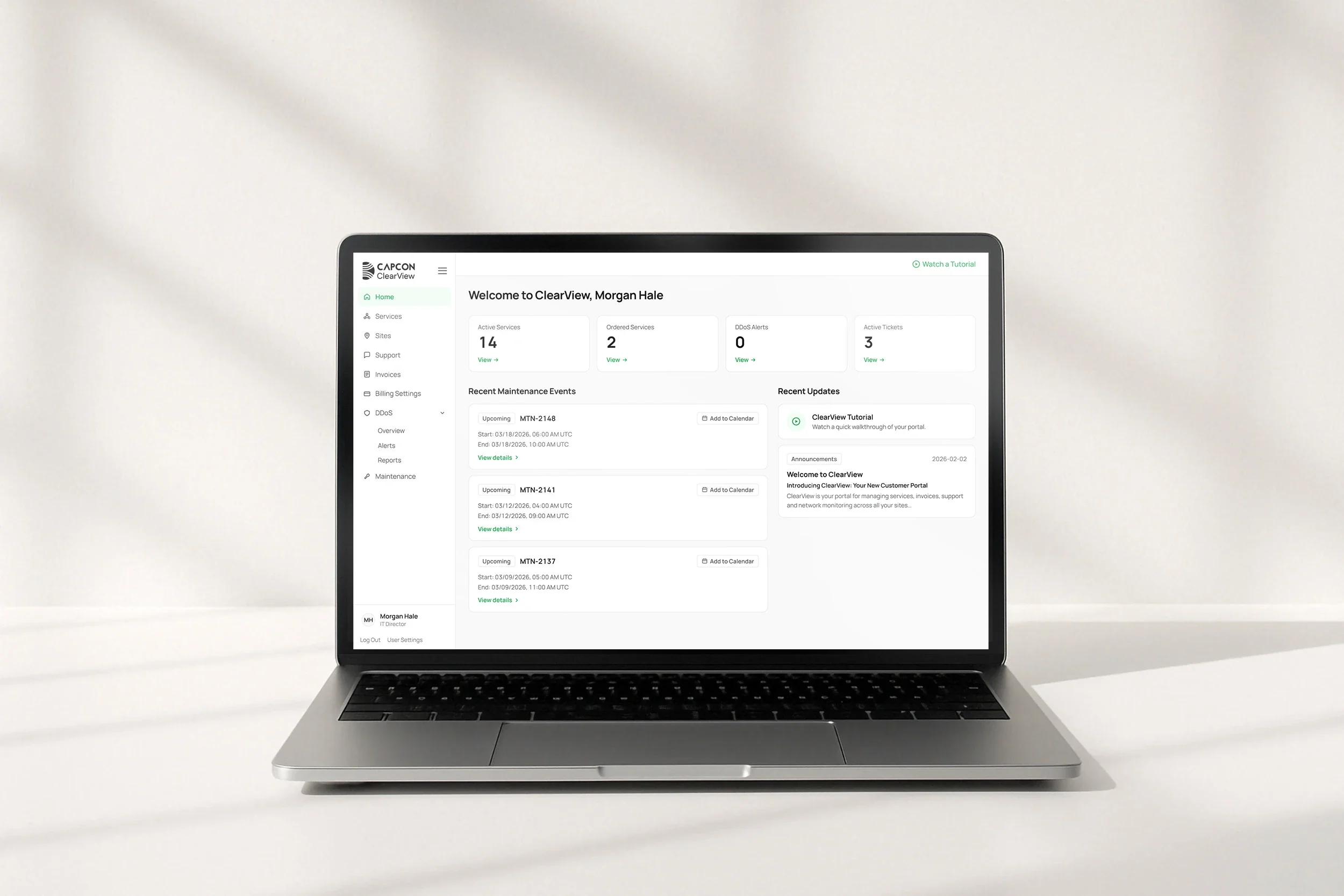
The ClearView home screen on a laptop on a white desk
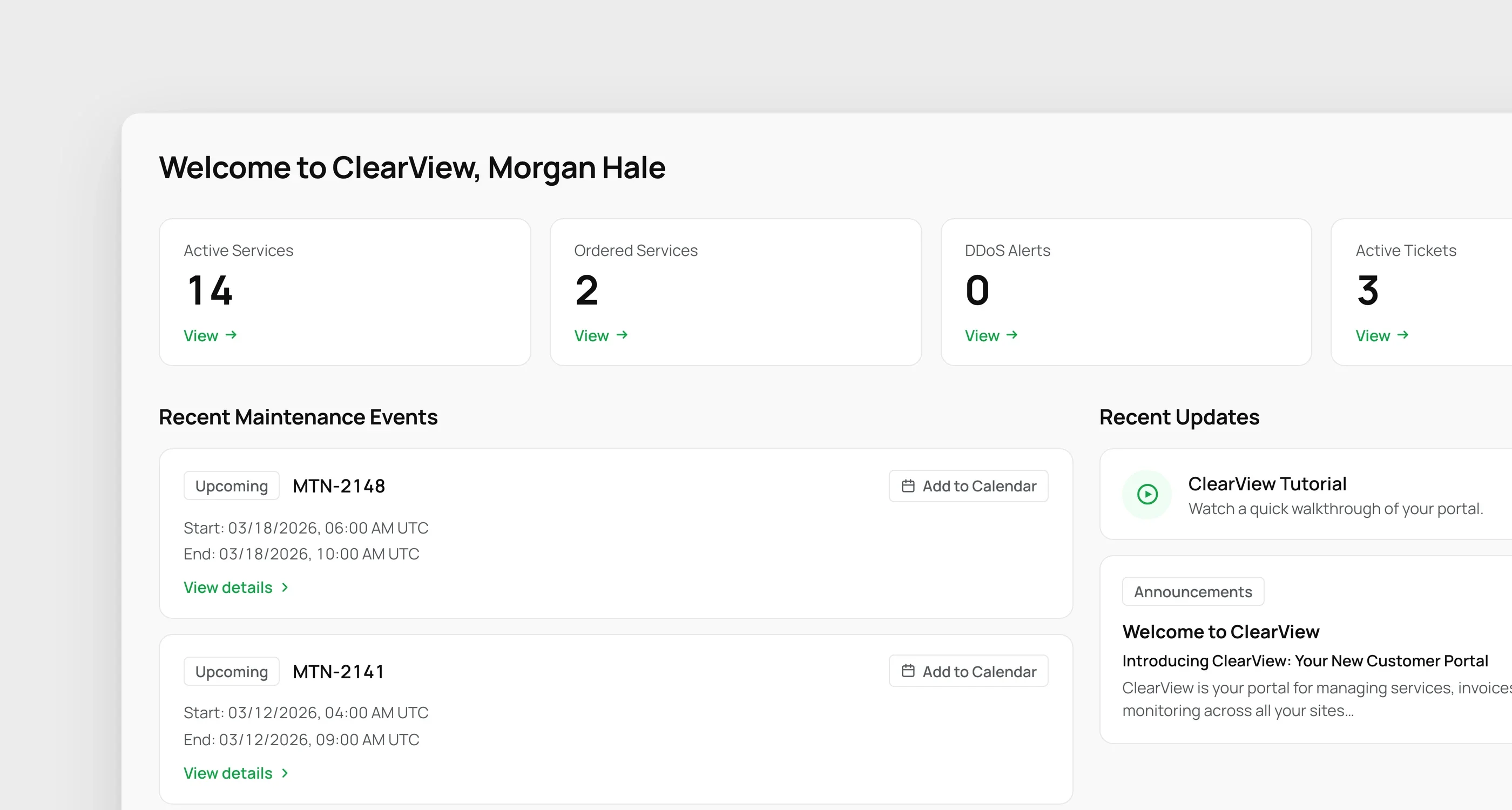
The home screen, close up: the welcome line, four counters, recent maintenance events and recent updates
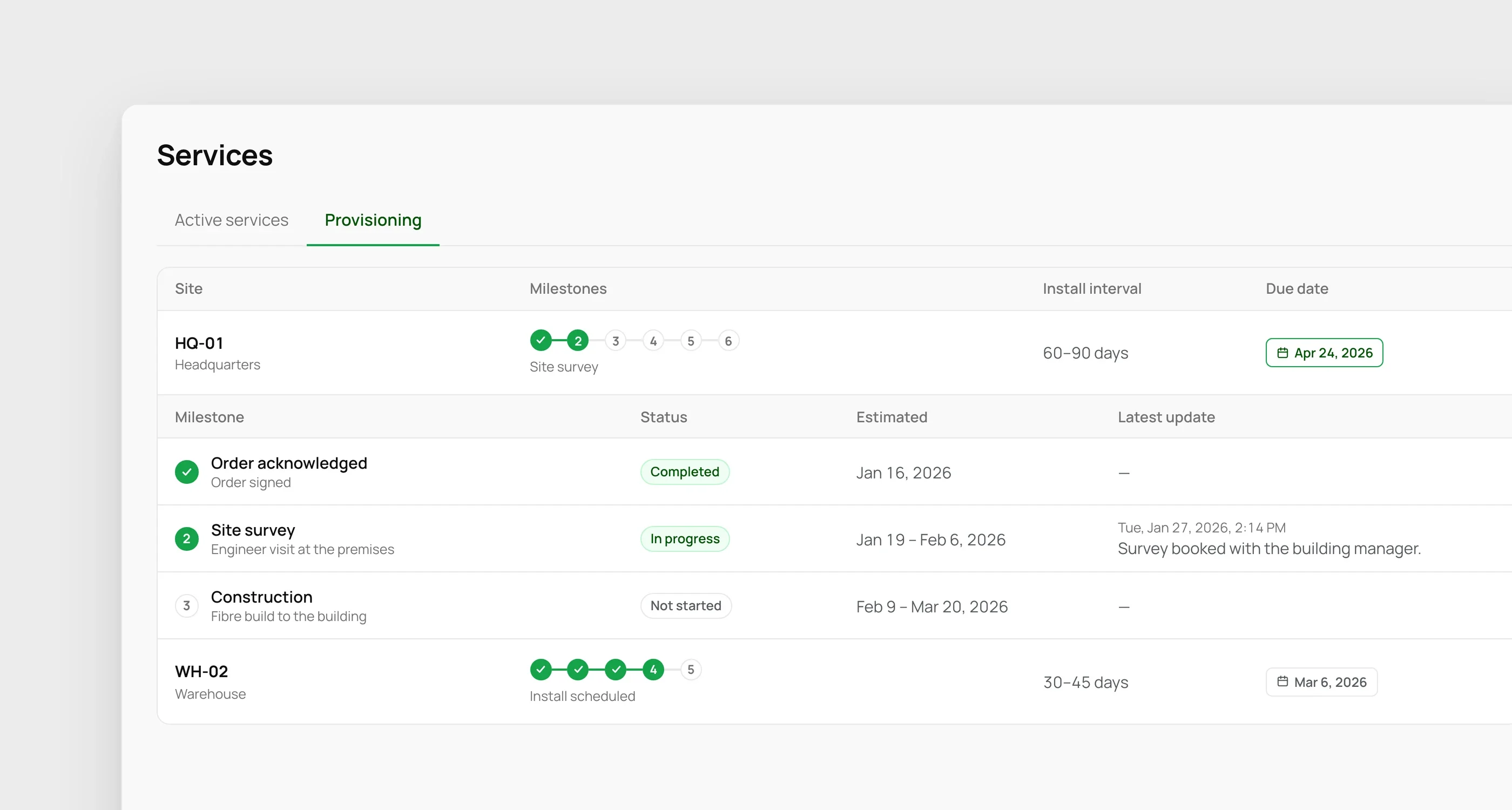
Provisioning: each new site's milestones as numbered steps, its install interval and due date, and one site opened to show each milestone's status, estimate and latest update
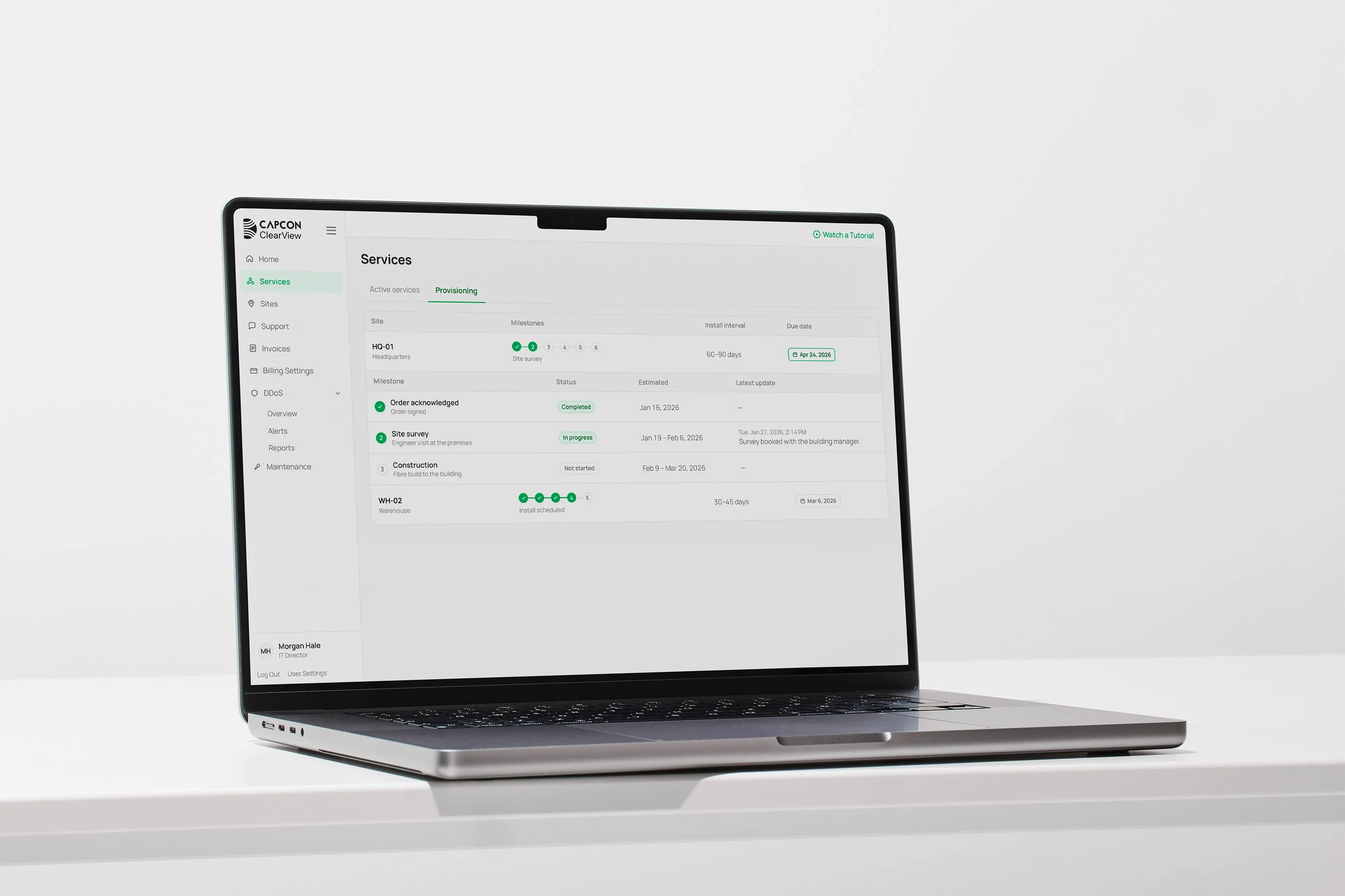
Provisioning on a laptop: each new site's milestones as numbered steps, with its install interval and due date
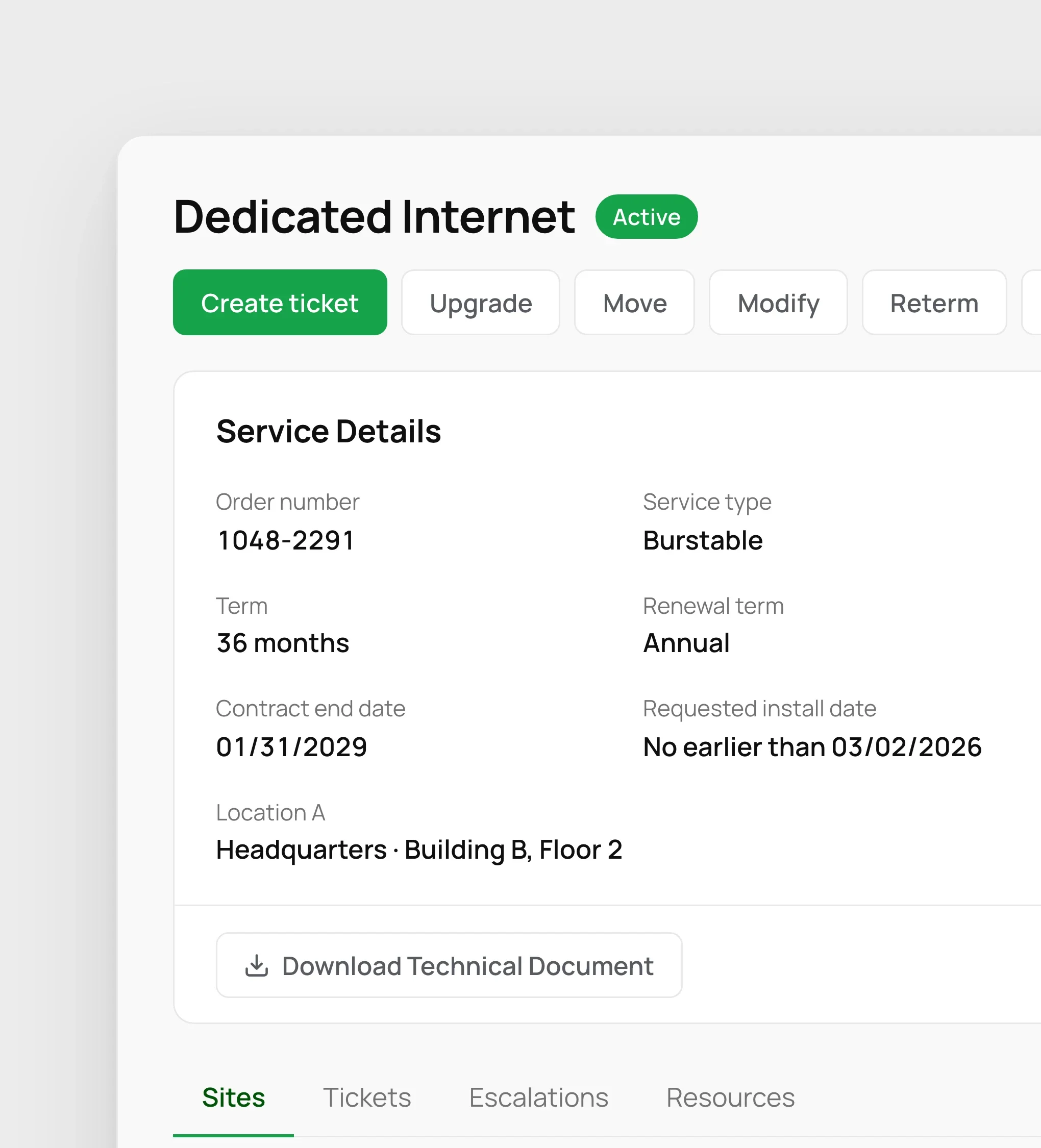
One service: its status, actions such as Create ticket, Upgrade and Move, and its details: order number, type, term, contract dates and location
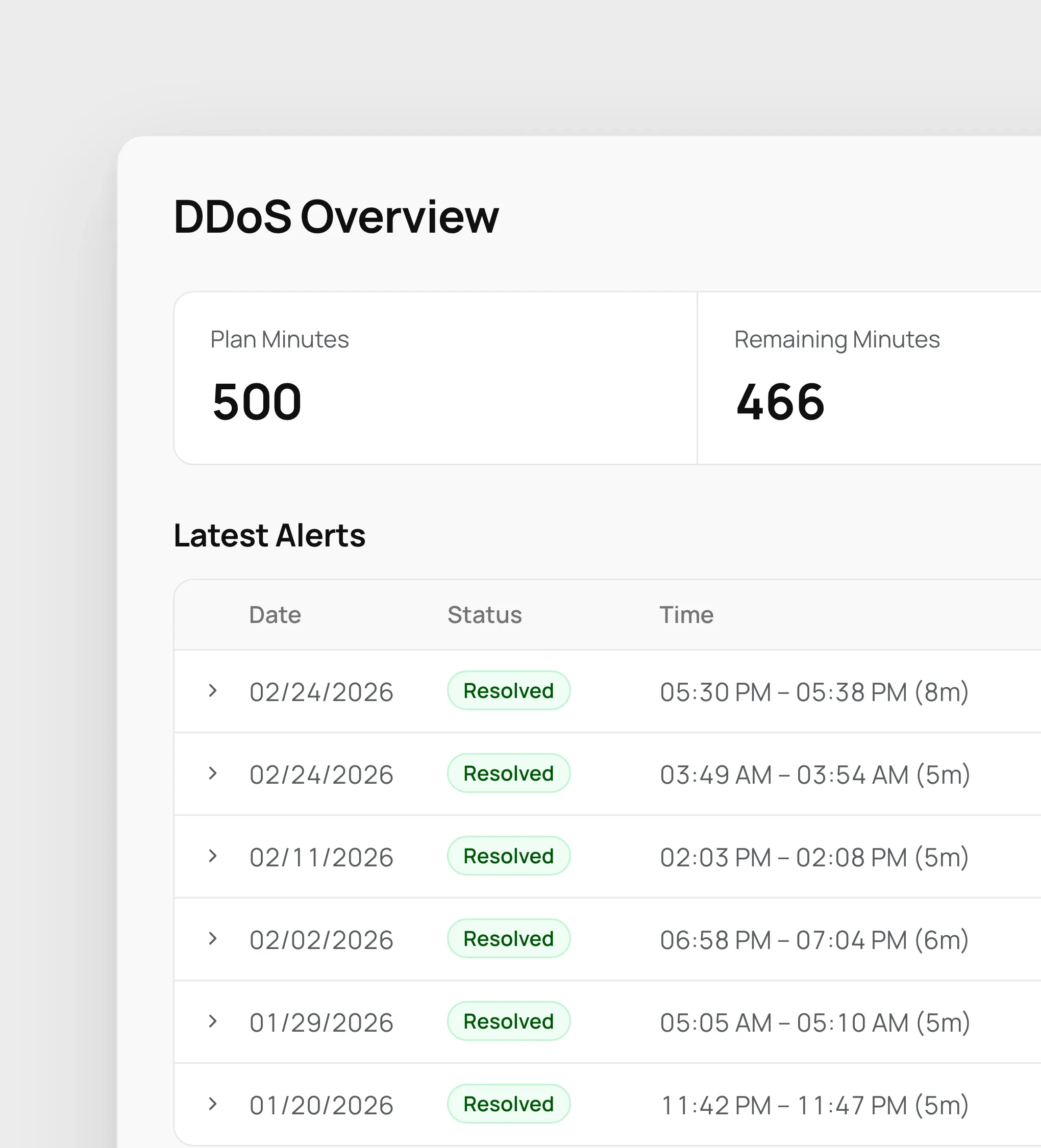
DDoS overview: plan, remaining and alert minutes, and the latest alerts, each resolved
Someone at a laptop in a sunlit room, the DDoS overview on screen
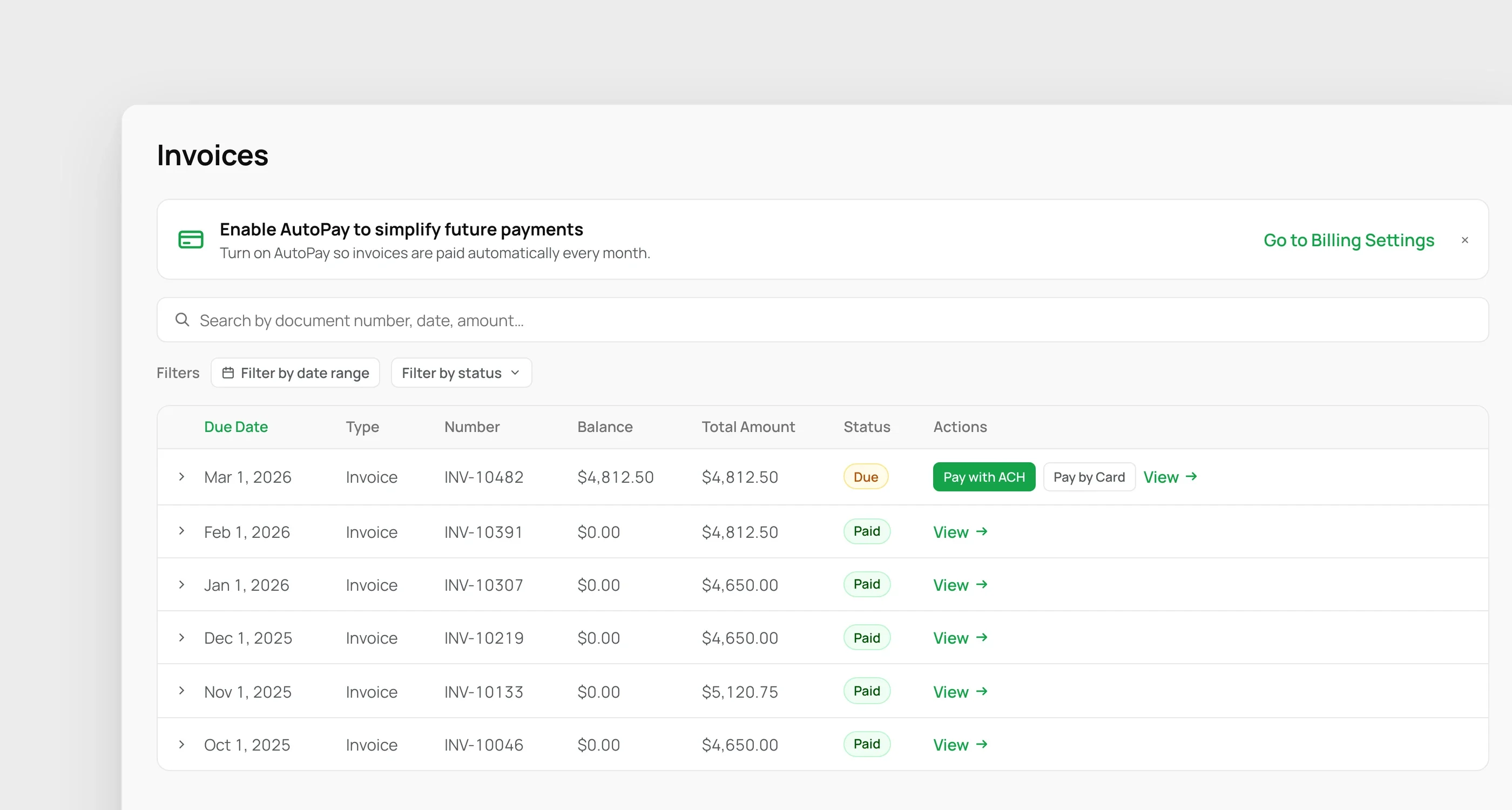
Invoices: a prompt to turn on AutoPay, search and filters, and a list with one invoice due, payable by ACH or card, and the rest paid
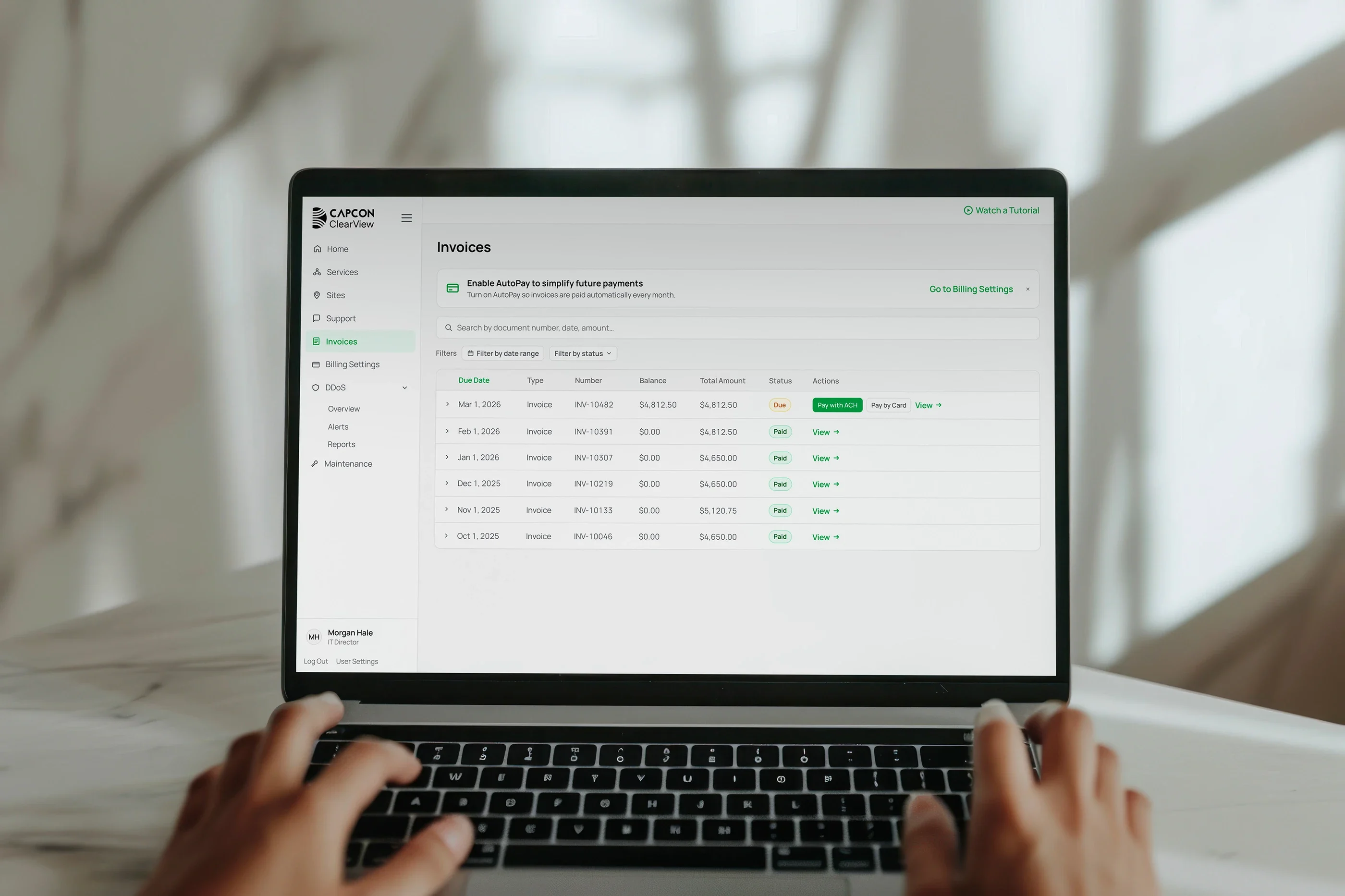
Hands on a laptop showing the invoices list, one invoice due
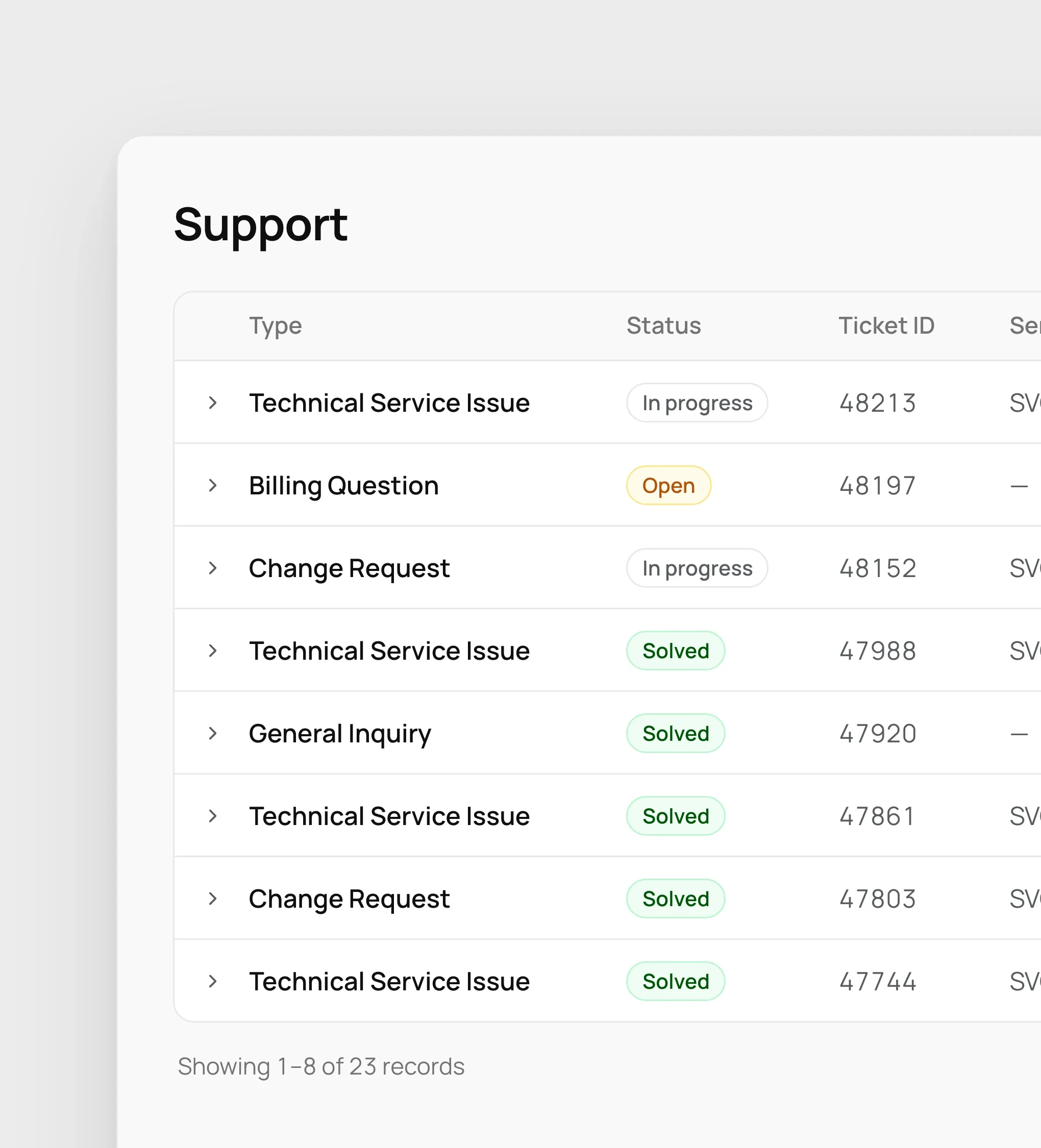
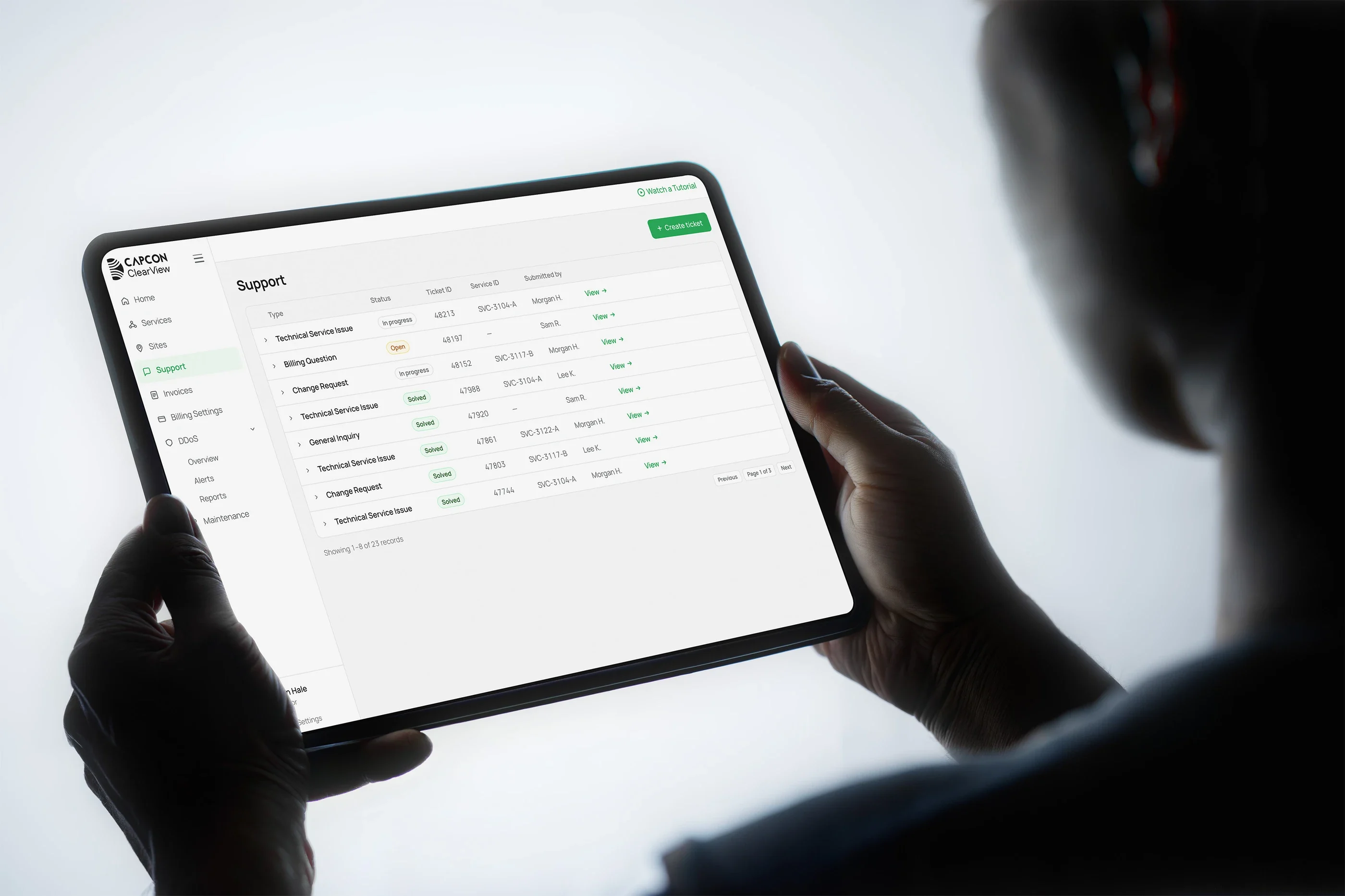
Support: a Create ticket button and the list of tickets with their type and status: in progress, open or solved
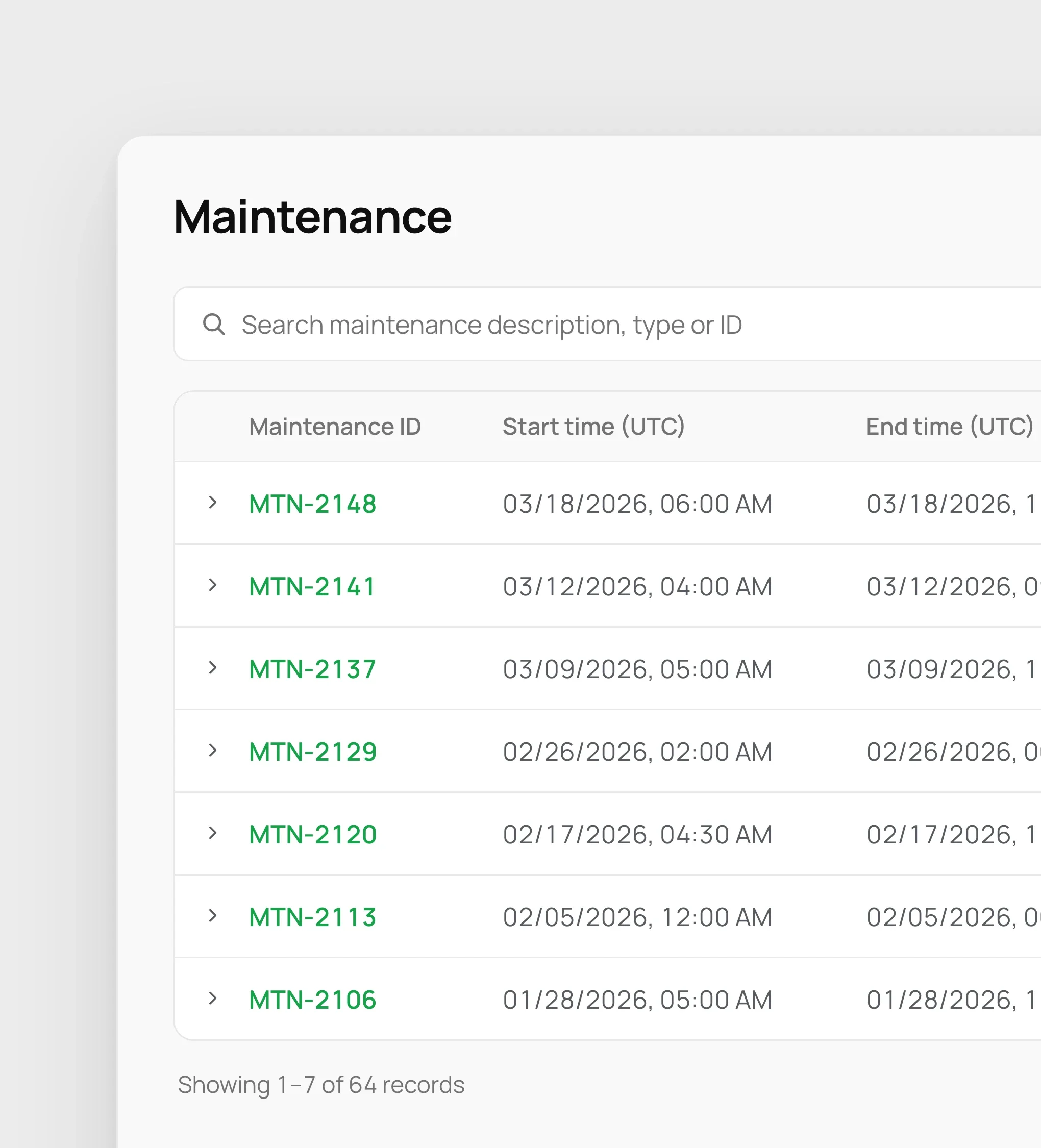
Maintenance: planned and completed maintenance windows, each with its start and end time
The support tickets list on a tablet held in two hands